
Guide
BenBen TV Data and Battery Tips: Stream Longer on Less
BenBen TV data and battery tips are simple: prefer Wi-Fi, keep the screen brightness sensible, close other video apps, and let the phone sleep between sessions.
 By Marcus Bell, Streaming App Reviewer
CONTENTS On this page
Wi-Fi First for Long Viewing
Video uses data steadily, and a long session on mobile data adds up fast. For anything longer than a quick check, use Wi-Fi: it is steadier for playback, cheaper for data, and kinder to buffering. Mobile data suits short tests, such as confirming a link works, not full length viewing.
The BenBen TV official site player is light itself, so the data story is almost entirely the stream, not the app. A small app cannot make a heavy stream light, and the stream size is set by its source, not by the player.
Battery Habits That Help
Brightness is the biggest battery lever while watching. A sensible brightness, rather than maximum, stretches a session noticeably, and fullscreen in landscape lets a comfortable brightness look brighter than the same level in portrait. Lower the brightness one notch and judge the picture before lowering it again.
Close other video apps while watching. A second app holding video resources in the background costs battery and can disturb playback, even when it looks idle. The buffering guide covers the connection side of the same habit.
Between Sessions
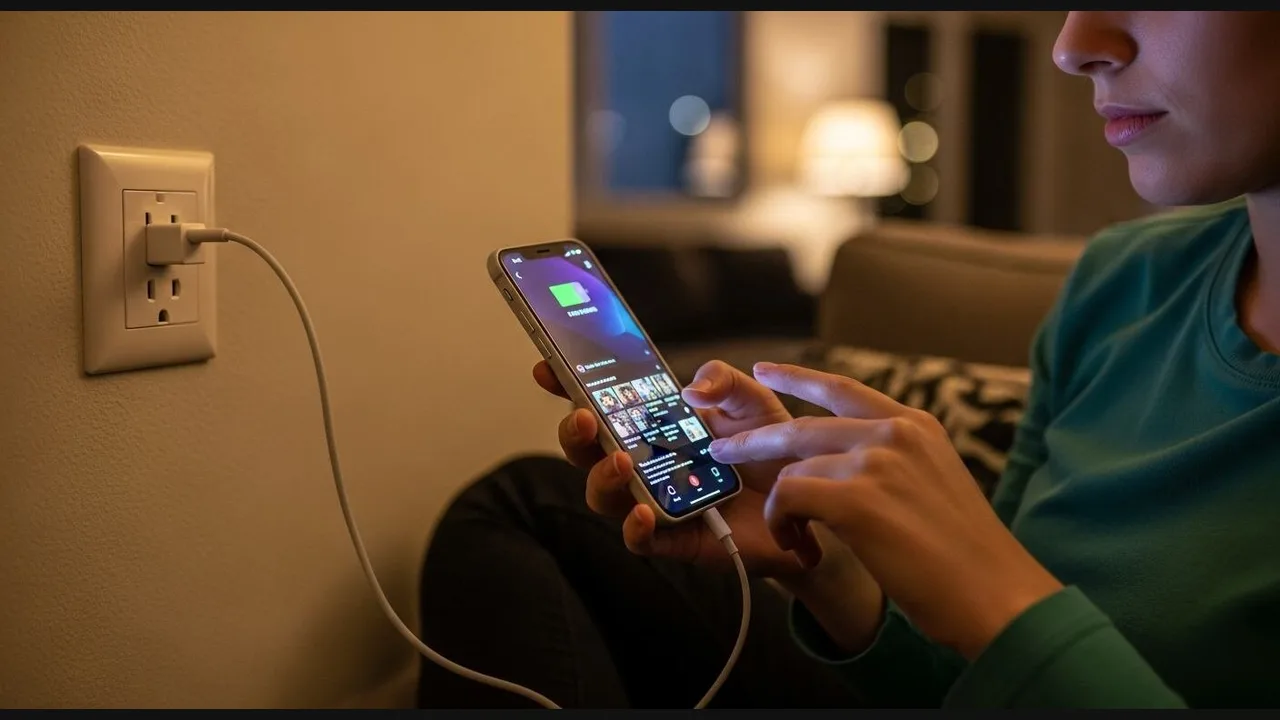
Between sessions, let the phone sleep rather than leaving BenBen TV open on a paused video. A paused player holds resources, and a phone left awake drains for nothing. Close the player when viewing ends, and reopen it fresh next time: it opens quickly, and your links wait in your note, as the organisation guide describes.
If the phone throttles playback when the battery is low, that is power saving doing its job. Plug in for long viewing, or accept a shorter session, rather than fighting the throttle with settings that hide the real limit.
Data and Battery in Short
Wi-Fi for long viewing, sensible brightness, no background video apps, and a closed player between sessions. Four habits, longer viewing, smaller bills, and fewer stalls.
Quick Answers
Does the player use much data itself?
The app is small and light. Data use comes from the streams you play, which are set by their sources, not by the player.
Why does my phone get warm during long viewing?
Long video playback warms any phone. Wi-Fi, sensible brightness, and a charged phone keep it comfortable.
Can I download videos in the player to save data?
No. The player streams links; it does not save videos to the phone. Watch on Wi-Fi for long sessions.