
BenBen TV guides
BenBen TV Guides
Setup walkthroughs, playlist guides, playback fixes, and honest play notes for BenBen TV, written from testing on real phones and tablets.
 Guide How to Add an M3U Playlist to BenBen TV Add an M3U playlist to BenBen TV in three steps: copy the playlist link, paste it into the stream link box, and tap Watch to browse the list with search. Read guide →
  Guide BenBen TV M3U8 Link Not Playing? 7 Checks That Fix It An M3U8 link that will not play in BenBen TV is usually a link, source, or connection problem, not a player problem. Work these seven checks in order. Read guide →
  Guide How to Play an MP4 Direct Link in BenBen TV Play an MP4 direct link in BenBen TV by pasting the file link into the stream link box and tapping Watch. Fullscreen, video fit, and 10 second skips all work on direct files. Read guide →
  Guide BenBen TV Demo Playlist: Try the Player Before You Add a Link The BenBen TV demo playlist loads free sample streams for playback testing, so you can try the player, the search, and fullscreen before pasting any link of your own. Read guide →
  Guide How to Search a Playlist Fast in BenBen TV Search a BenBen TV playlist by typing the stream name in the search box above the list. Long lists stop being a scroll and become a lookup. Read guide →
  Guide BenBen TV Fullscreen and Video Fit: Fill the Screen or Keep It Original BenBen TV fullscreen works with one tap, and the video fit switch chooses between filling the screen and keeping the original size. Use fill for edge to edge viewing and original size for the picture as published. Read guide →
  Guide BenBen TV 10 Second Skip: Rewind and Forward Without the Progress Bar BenBen TV 10 second rewind and forward let you jump a missed line or skip an intro without dragging a tiny progress bar. Tap once for 10 seconds, tap again to go further. Read guide →
  Guide BenBen TV Phone and Tablet Setup: First Run in Two Minutes Set up BenBen TV on a phone or tablet in two minutes: install from the official listing, open the app, try the demo playlist, then paste your first link. Read guide →
  Guide BenBen TV Has No Channels: What That Means and Why It Is Honest BenBen TV includes no channels, content, or live streams, and there is no media library inside the app. You add every link yourself, and that honesty is the point. Read guide →
  Guide BenBen TV Buffering? Fix Stalls, Freezes, and Slow Streams BenBen TV buffering is usually a connection or source problem. Test the demo playlist first: if it plays, your link or source is the cause. If it stalls too, fix the connection. Read guide →
  Guide How to Switch Playlist Items in BenBen TV Without Leaving the Player Switch playlist items in BenBen TV without leaving the player: go back to the list, tap the next item, and playback continues in the same player. Read guide →
  Guide BenBen TV Mute and Audio Fixes: No Sound, Muted Video, and Volume BenBen TV mute is instant: tap to mute, tap again to unmute. If a video has no sound, check mute first, then the phone volume, then the stream itself. Read guide →
  Guide BenBen TV Landscape Viewing: Rotate for a Bigger, Better Picture BenBen TV landscape viewing works by rotating the phone, with fullscreen for the biggest picture. Landscape plus fullscreen is the most comfortable way to watch on a phone. Read guide →
 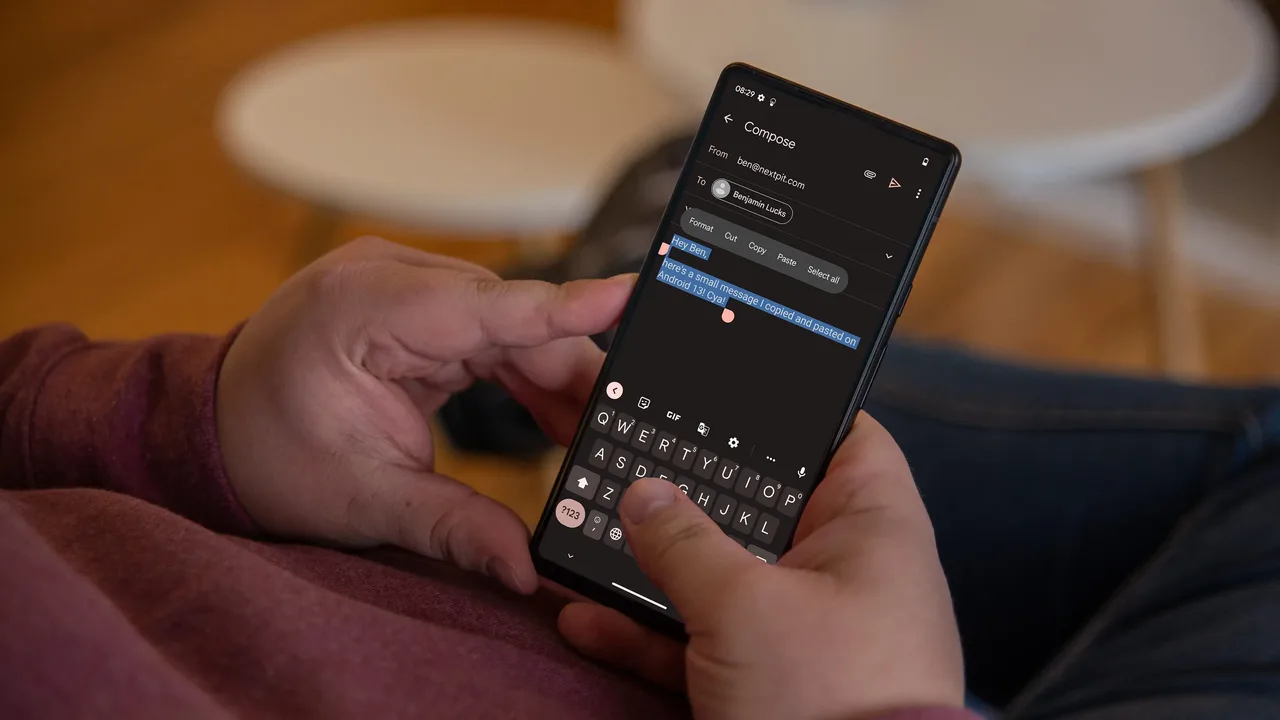 Guide BenBen TV Paste Link Not Working? Fix Copy, Paste, and Link Errors A BenBen TV paste that fails is usually a copy problem: a partial link, an extra space, or a link copied from the wrong place. Re-copy cleanly from the source and paste again. Read guide →
 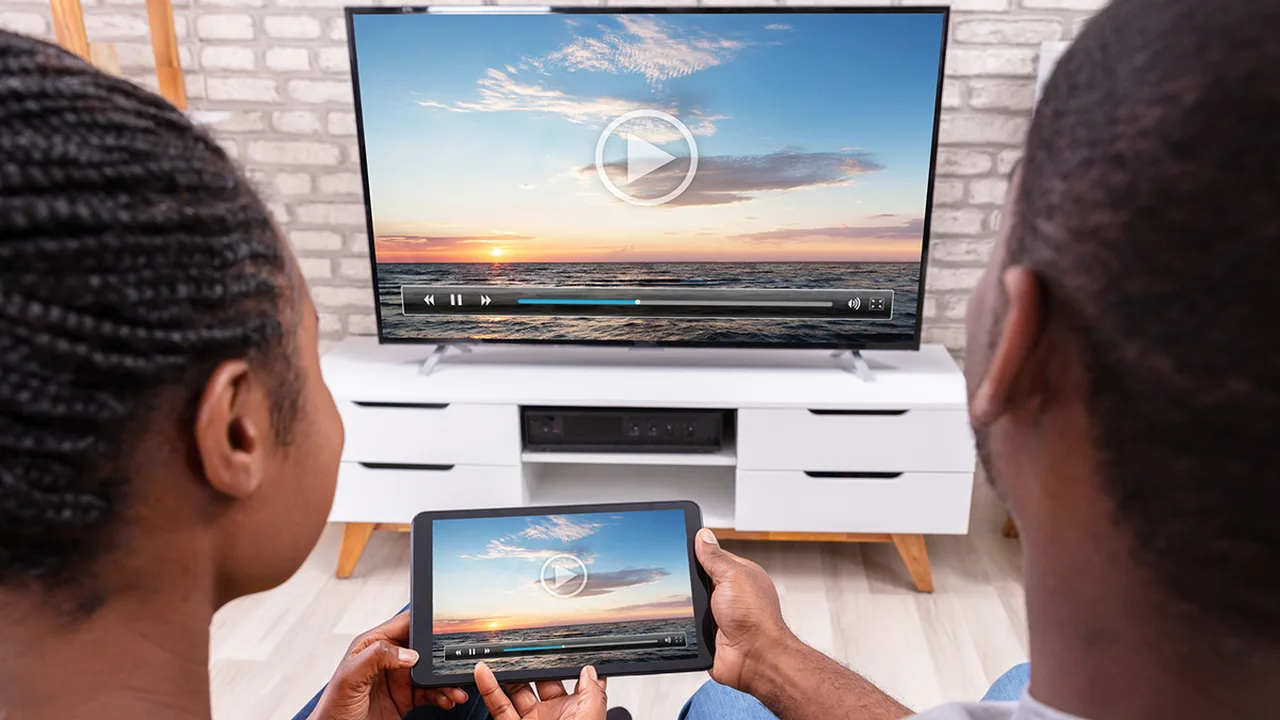 Guide BenBen TV vs a Built In Player: When a Playlist Player Earns Its Place A built in player handles single files well, but BenBen TV earns its place on playlists: browsable lists, search, switching without leaving, and a demo to try first. Read guide →
  Guide How to Organise Your BenBen TV Playlists and Links Organise BenBen TV links by keeping them in a phone note, grouped by use, with the source name beside each link. BenBen TV plays what you paste, so tidy links mean tidy viewing. Read guide →
  Guide BenBen TV Safe Links: Play Only What You Have the Right to Access BenBen TV plays your own links, so safety means source safety: use links from sources you trust, play only content you have the right to access, and treat unverified links with care. Read guide →
 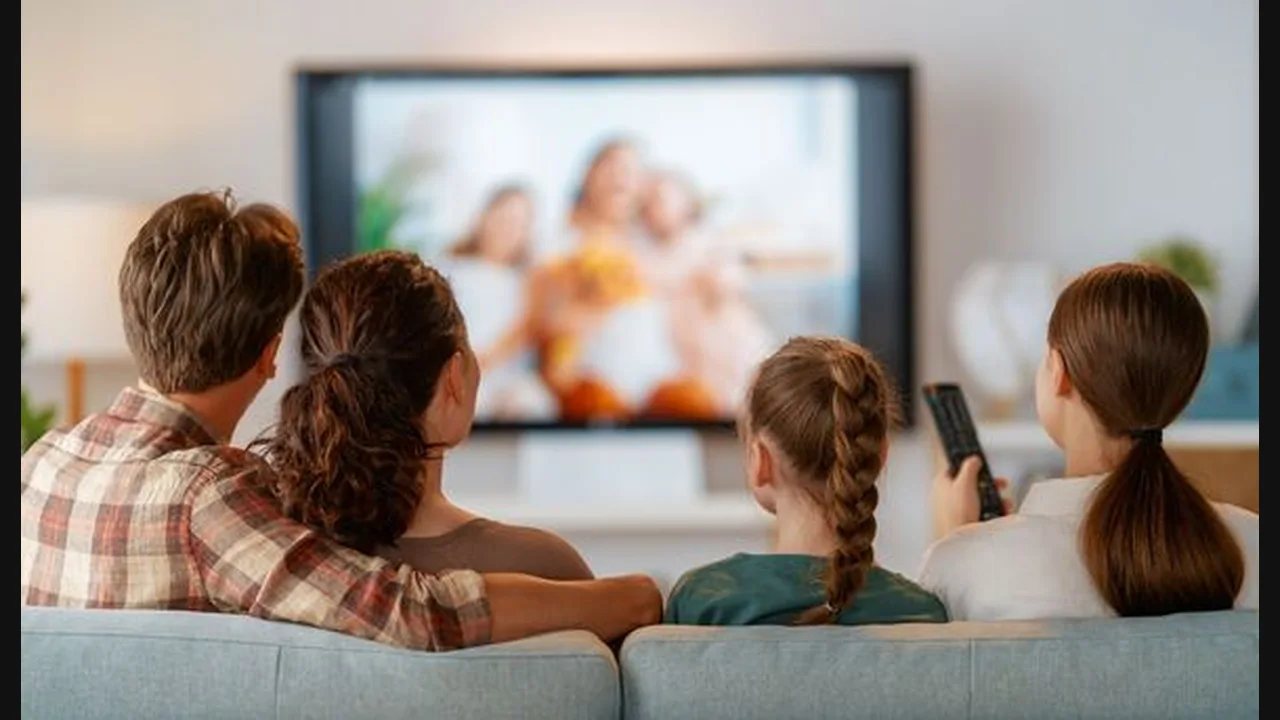 Guide BenBen TV Big Screen Viewing: Tablets, Landscape, and Shared Watching BenBen TV big screen viewing works best on a tablet in landscape with fullscreen: a wide, comfortable picture for shared watching, with controls in easy reach. Read guide →
 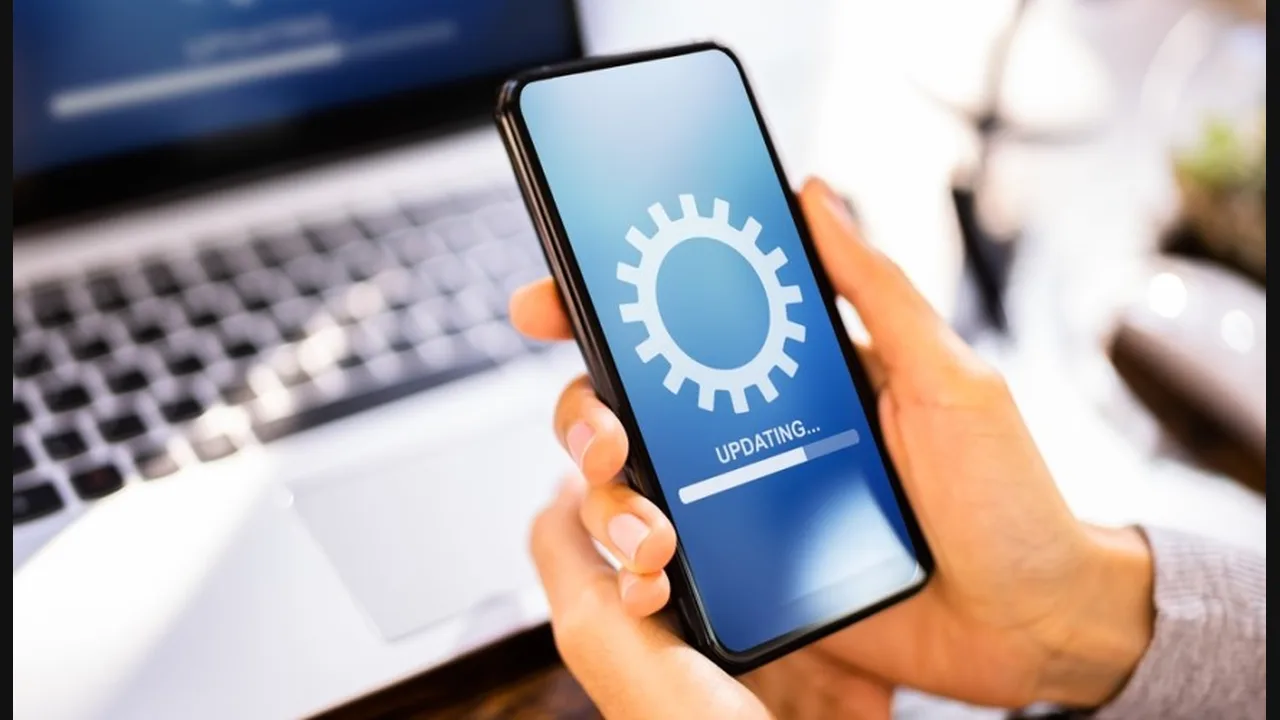 Guide How to Update BenBen TV and Check It Still Works Update BenBen TV through the official store listing, then check it with the demo playlist: search, fullscreen, skips, and switching should all behave as before. Read guide →
 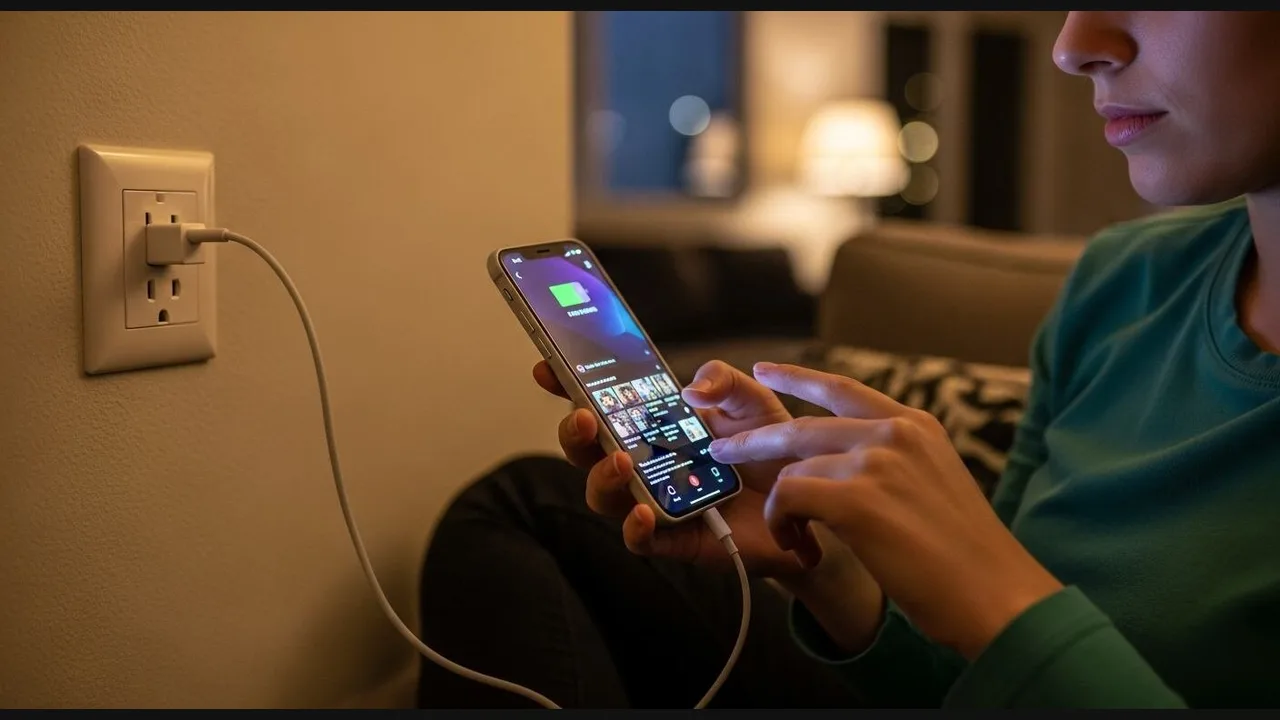 Guide BenBen TV Data and Battery Tips: Stream Longer on Less BenBen TV data and battery tips are simple: prefer Wi-Fi, keep the screen brightness sensible, close other video apps, and let the phone sleep between sessions. Read guide →