
Guide
BenBen TV Paste Link Not Working? Fix Copy, Paste, and Link Errors
A BenBen TV paste that fails is usually a copy problem: a partial link, an extra space, or a link copied from the wrong place. Re-copy cleanly from the source and paste again.
 By Marcus Bell, Streaming App Reviewer
CONTENTS On this page
Copy Cleanly
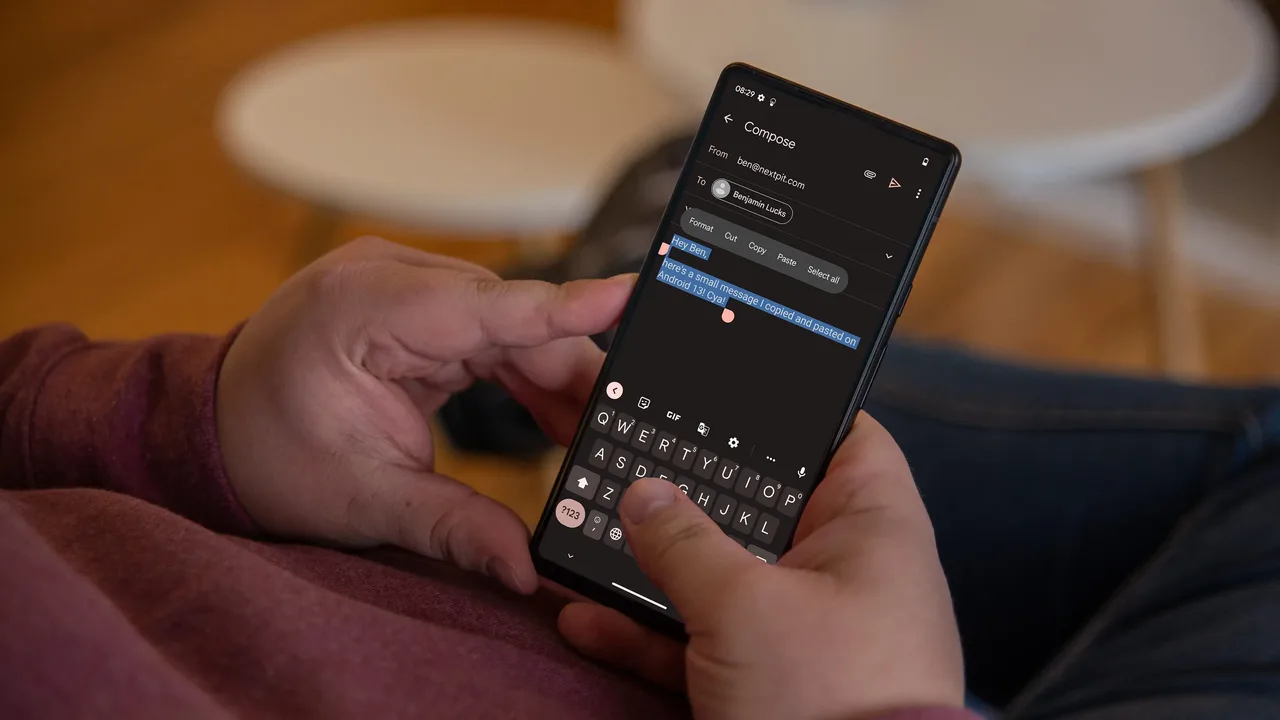
Copy the link from its source with a long press and the copy action, and check that the whole link is selected. A link copied from the middle, or from a shortened preview, arrives incomplete, and an incomplete link fails no matter how good the player is. When in doubt, copy again and watch the selection cover the full address.
The BenBen TV download guide home screen gives you one box for that paste, so a clean copy matters more than any setting. Paste, glance at the start and the end of the pasted text, and tap Watch only when both ends look right.
Extra Spaces and Characters
Extra spaces are the quietest paste fault. A space before the link, a space after it, or a line break copied from a message turns a good link into a failed one. If a paste fails, tap into the box, check both ends for spaces, and remove them before tapping Watch.
Characters added by messaging apps cause the same fault: quotes around a link, brackets from a formatted message, or tracking text after the address. Paste the bare link only, and the playlist guide shows the clean flow once the paste is right.
Wrong Place Copies
Copy from the source, not from a search result snippet, a preview card, or a screenshot of a link. Snippets shorten links, previews rewrite them, and screenshots cannot be pasted at all. If the only copy you have came from a preview, open the source itself and copy there.
If a link pastes but the list is empty, the source list may have changed, or the link may point to a page rather than a playlist file. The not playing guide separates those cases, starting with a fresh copy from the source.
Paste in Short
Copy the full link from the source, paste the bare link with no spaces or quotes, check both ends, tap Watch. Clean copies play, and most paste failures are copy failures wearing a player disguise.
Quick Answers
Why does my pasted link look right but still fail?
Because a missing first character or a trailing space is hard to see. Re-copy from the source and check both ends of the pasted text.
Can I type a link instead of pasting it?
Typing works but invites mistakes in long addresses. Copy and paste is safer for playlist links, which are long and unforgiving.
Does the player keep my pasted links?
The player plays the link you paste. Keep links you reuse in a note on the phone, so you can paste them again whenever you need them.